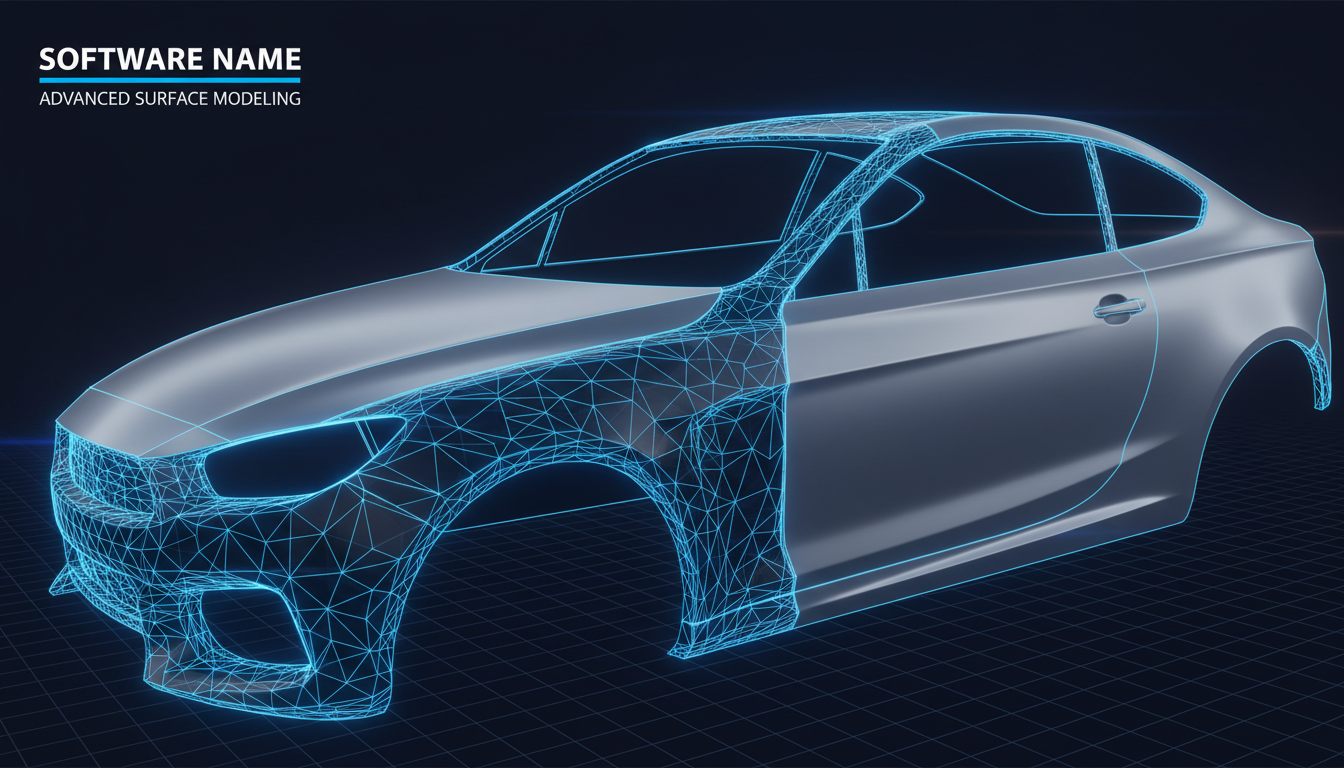
Products
Six specialized products for CAD visualization, freeform modeling, reverse engineering, and advanced surfacing — standalone or inside SOLIDWORKS.
Standalone Applications
CAD visualization, design, and reverse engineering — no third-party CAD license required.
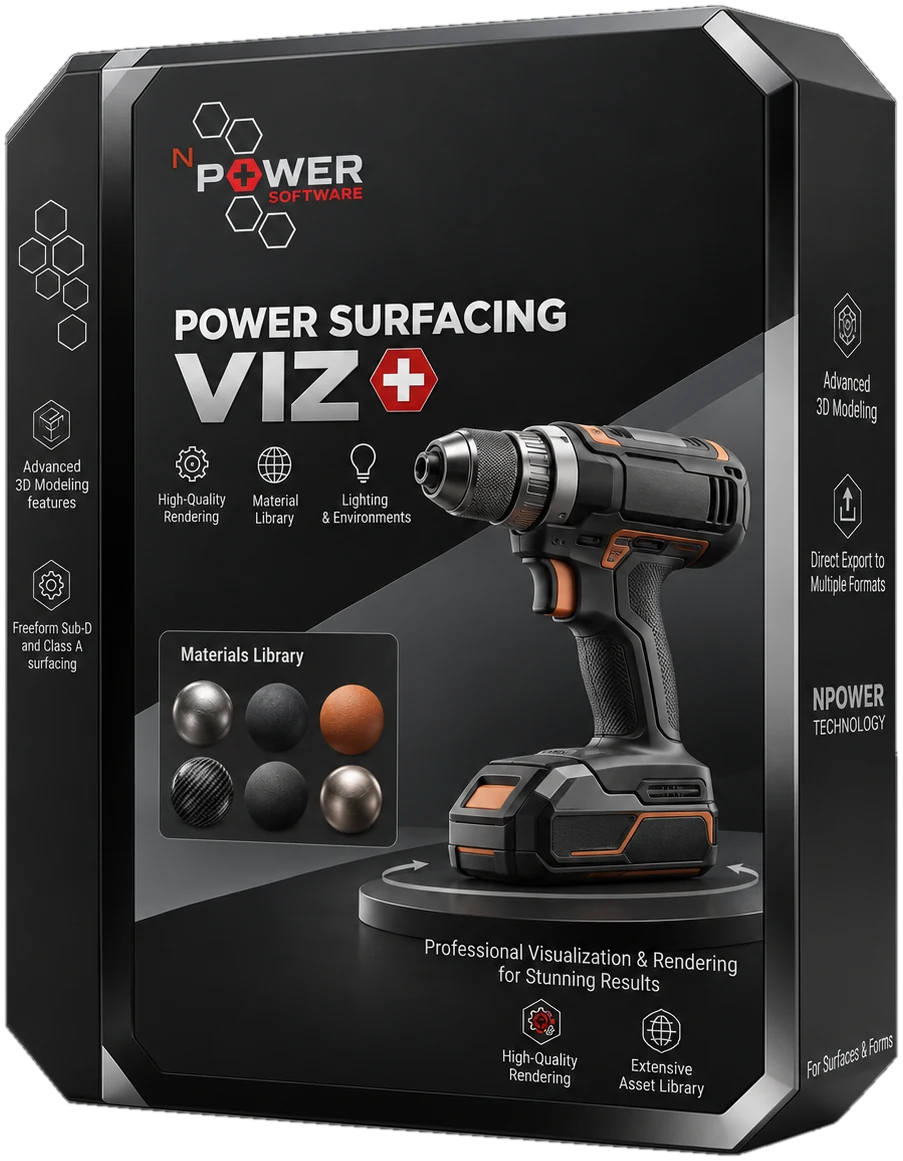
Power Surfacing Viz
CAD import, IntegrityWare tessellation, bundled KeyShot, and mesh export for Blender, Modo, 3ds Max, and Maya.
- Preparing engineering CAD models for product visualization and rendering
- Converting CAD data to meshes with IntegrityWare tessellation — low-poly for gaming and VR, or high-density for visualization and 3D printing, including large assemblies and large complex parts
- Assigning materials and cleaning color on assemblies before rendering
Inputs
STEP, OBJ, STL, 3MF, glTF, Blender, SOLIDWORKS files
Outputs
KeyShot, OBJ, STL, glTF
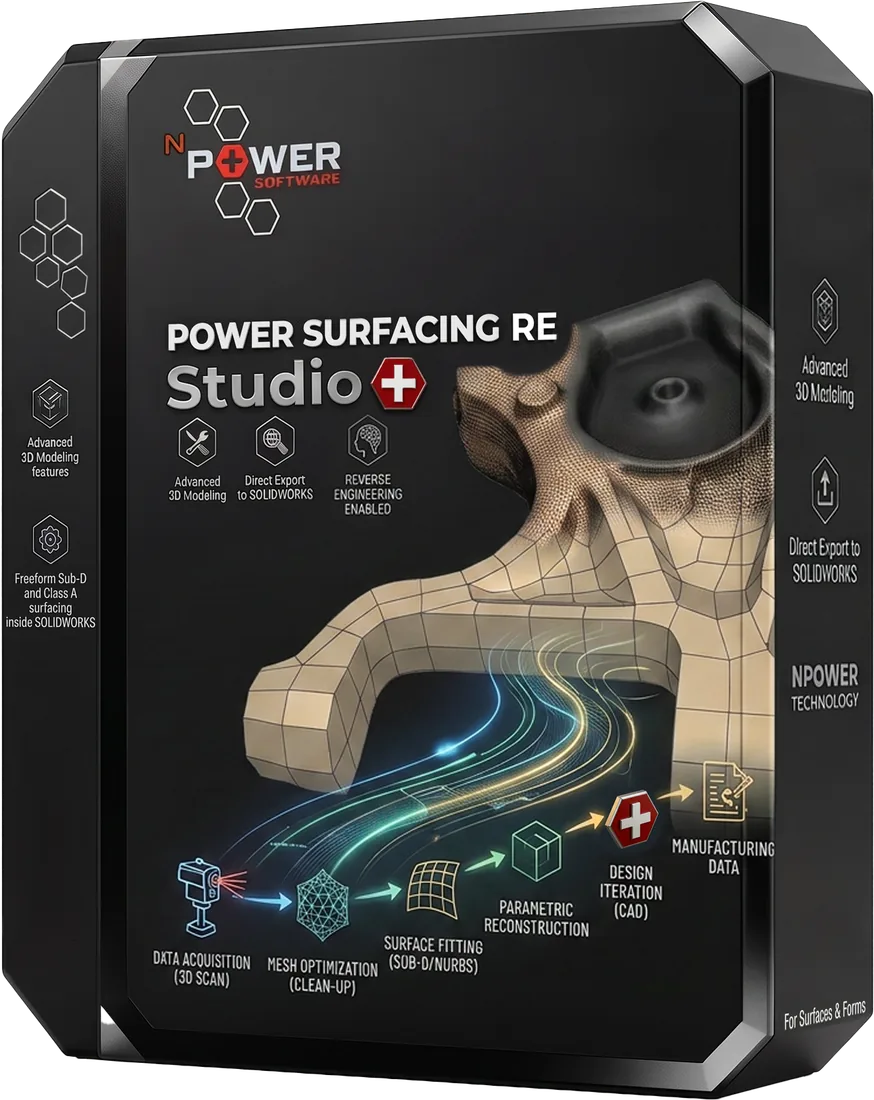
Power Surfacing RE Studio
Coming Soon
Standalone reverse-engineering software for scanned and sculpted meshes
- Reverse engineering scanned meshes into accurate, editable NURBS geometry
- Converting ZBrush and other sculpted meshes into CAD-ready surfaces
- Rebuilding human forms, animal shapes, and other organic geometry
Inputs
STL, OBJ meshes, Sculpted meshes
Outputs
STEP, STL, Wavefront OBJ, Native SOLIDWORKS features
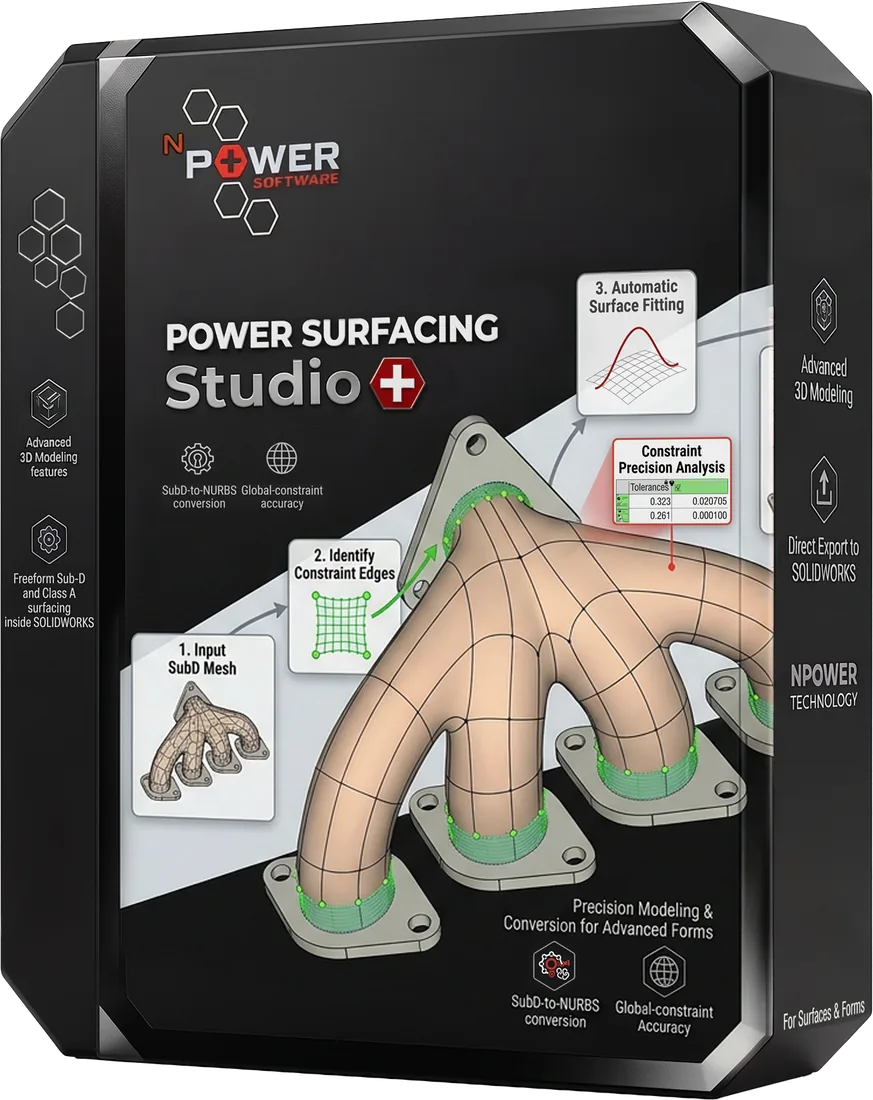
Power Surfacing Studio
Coming Soon
Standalone freeform Sub-D and Class A surfacing design software
- Designing complex freeform, organic industrial design shapes
- Designing parametric analytic geometry for mechanical-type parts
- Creating bottles, handheld devices, jewelry, art, characters, containers, and cutlery with organic Sub-D
Inputs
Sketches, OBJ / FBX meshes, Primitive shapes
Outputs
Class A NURBS surfaces, Solid bodies, STEP
SOLIDWORKS Add-ins
Extend SOLIDWORKS with freeform surfacing, reverse engineering, and advanced shelling.
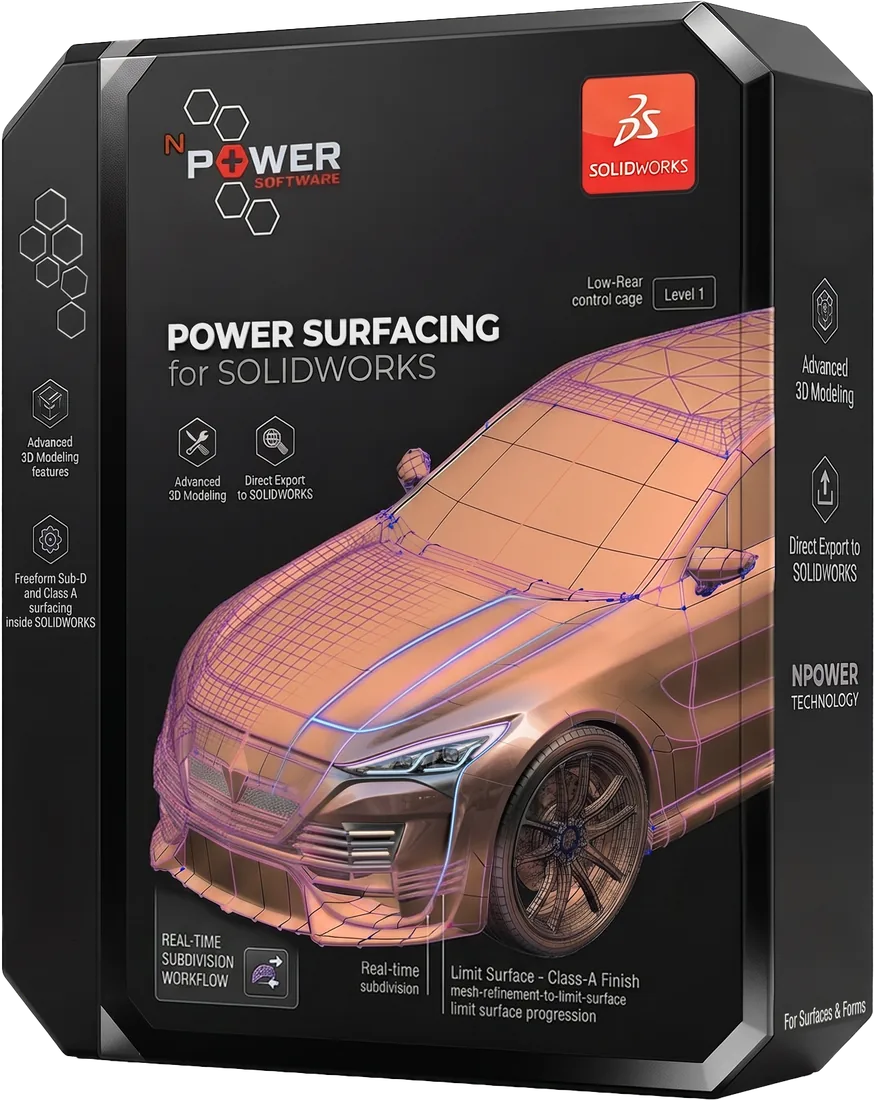
Power Surfacing for SOLIDWORKS
Freeform Sub-D and Class A surfacing inside SOLIDWORKS
- Adding organic, freeform surfaces to mechanical assemblies
- Consumer product and industrial design inside SOLIDWORKS
- Automotive interior, exterior, and sporting goods surfacing
Inputs
SOLIDWORKS sketches, OBJ / FBX meshes
Outputs
SOLIDWORKS features with solid and/or surface bodies
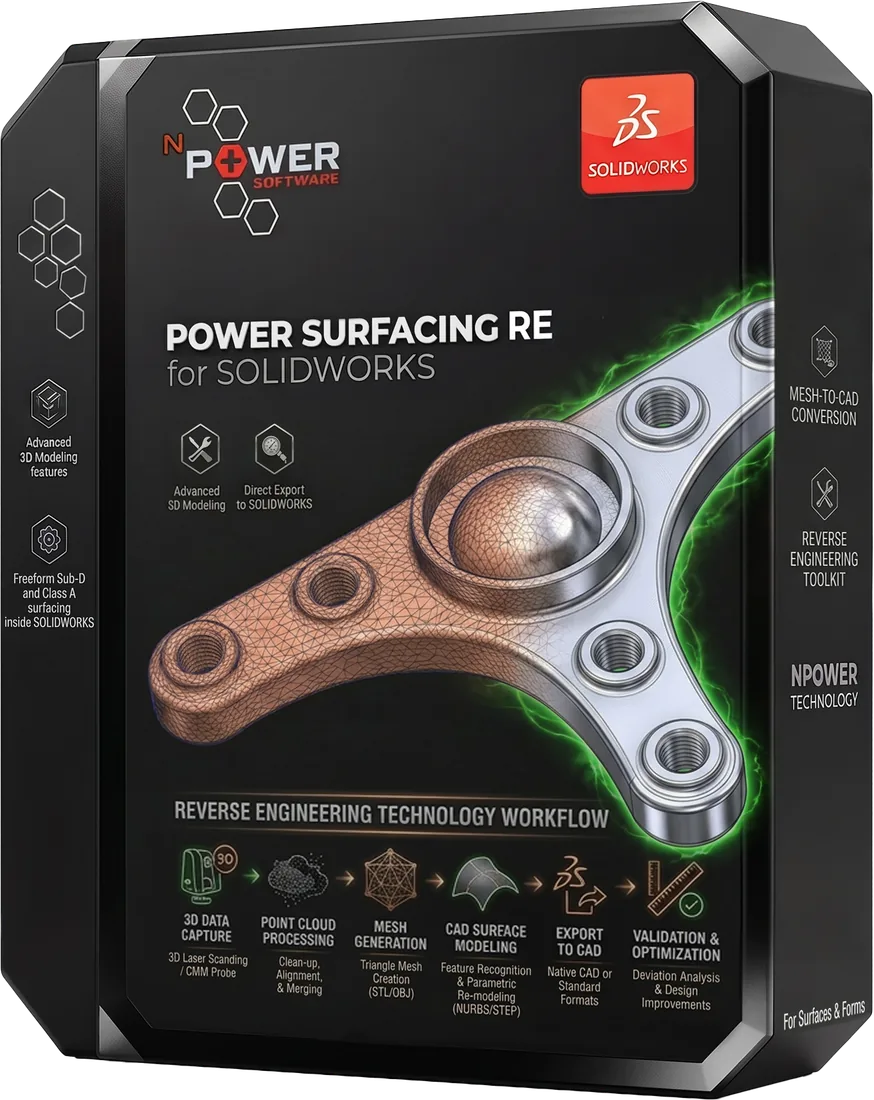
Power Surfacing RE for SOLIDWORKS
Reverse engineer scanned and polygonal meshes inside SOLIDWORKS
- Reverse engineering 3D scanner data directly in SOLIDWORKS
- Converting ZBrush sculpted meshes into SOLIDWORKS geometry
- Rebuilding parts from FEA and 3D printer mesh files
Inputs
3D scans, STL / OBJ meshes, Topology Study meshes
Outputs
SOLIDWORKS solid & surface bodies
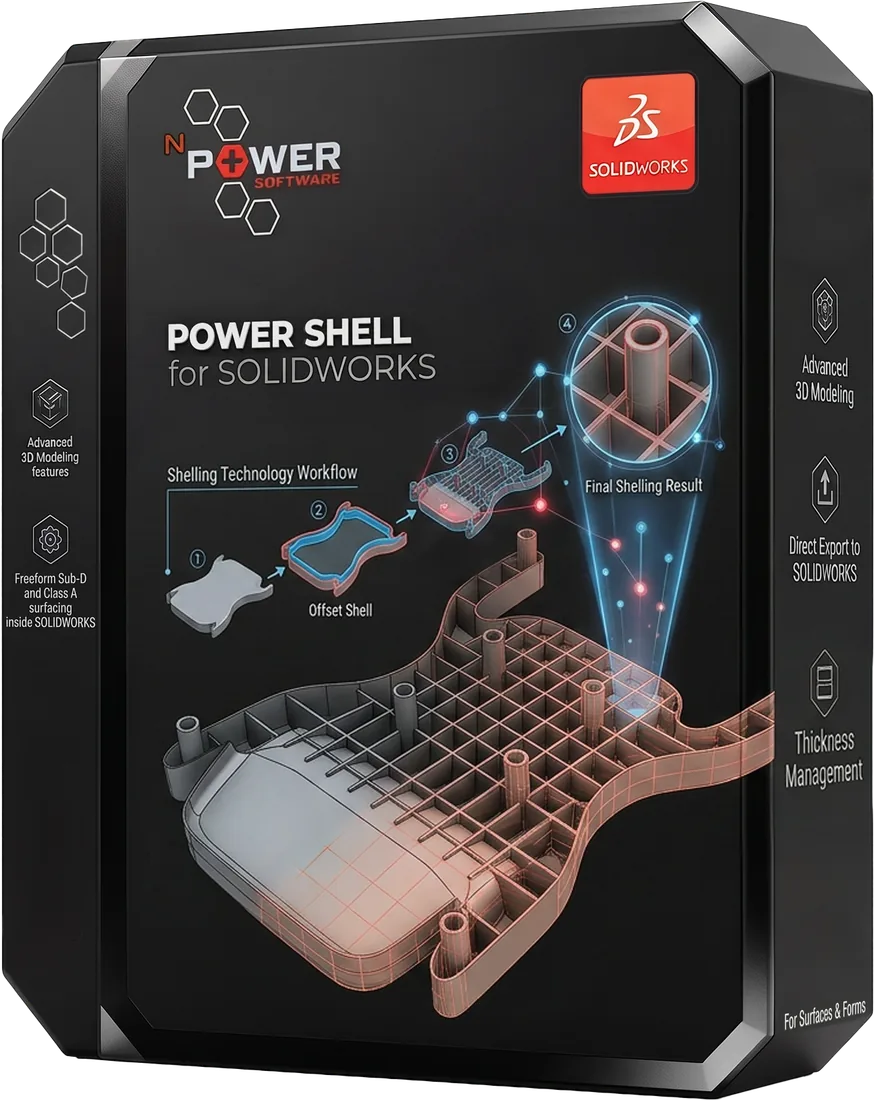
Power Shell for SOLIDWORKS
When Shell fails, Power Shell prevails
- Shelling organic, complex, or self-intersecting geometry
- Thickening surface bodies that fail with native Thicken
- Preparing consumer products for injection molding
Inputs
SOLIDWORKS solids & surfaces
Outputs
Shelled / thickened SOLIDWORKS bodies
Compare Products
Compare features, platforms, and capabilities side by side.
| Feature | Viz Standalone | RE Studio Standalone | Studio Standalone | Power Surfacing SOLIDWORKS Add-in | Power Surfacing RE SOLIDWORKS Add-in | Power Shell SOLIDWORKS Add-in |
|---|---|---|---|---|---|---|
| CAD Import & Translation | ||||||
| World-class multi-threaded tessellation engine (CAD to polygons for display and rendering) | ||||||
| Precise measurement tools (closest point and ray tracing on precise NURBS surfaces) | ||||||
| Material & Color Cleanup | ||||||
| Bundled KeyShot (no extra license) | ||||||
| Mesh Export for Blender / Modo / 3ds Max / Maya | ||||||
| Dimension-Driven Sketching | ||||||
| Feature-Based Modeling | ||||||
| Surfacing & Solid Modeling | ||||||
| Freeform Sub-D Design | ||||||
| NURBS Output | ||||||
| Scan-to-CAD | ||||||
| Mesh-to-CAD | ||||||
| STL/OBJ Import | ||||||
| Point Cloud Processing | ||||||
| Mesh Cleanup & Repair | ||||||
| Class A Surfacing | ||||||
| Advanced Shelling | ||||||
| Variable Wall Thickness | ||||||
| SOLIDWORKS Integration | ||||||
| Standalone Application |
Start Your Free Trial
Download a free trial of any Power Surfacing product and see the difference for yourself.